Why do you need to create a gmail account? Because, gmail email service is free and looks pretty simple. So it does not require a lot of internet bandwidth. In addition, gmail accounts can also be used to create a blog on blogger.com and create google adsense account which is a favorite PPC of bloggers.
Oke brother and sister, here are the steps:
- Open the mozilla firefox browser (recommended)
- Enter the URL address http://mail.google.com/
- Then click "Create an account"
- Display appears as below:
- First name: Fill your first name
- Last name: Fill your last name
- Desired Login Name: Fill in the email address (gmail) that you created, and click "check availability!"
- Choose a password: Fill your password
- Re-enter password: Fill your password again
- Sequrity Question: Choose a question, then answered in the field Answer
- Recovery email: Email backup, if you forgot your password main email
- Location: Choose the location you live
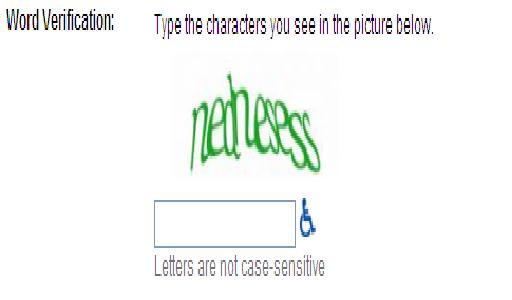
- Then fill out the word verification, according to the displayed word
- And the last step is click "I accept create my account"
- Ning nong ! Your gmail account has been created, and click "Show me my account"